1. Choose language, country and currency
The app offers seven regional language options and six currencies: USD, EUR, GBP, AUD, CAD and PLN. One currency applies to the whole plan. Changing language does not convert money.
2. Enter your actual terms
Copy the current balance, annual interest rate and payment details from your statement. For cards, check whether the app’s simplified minimum rule fits your intended scenario.
3. Set a monthly amount and compare
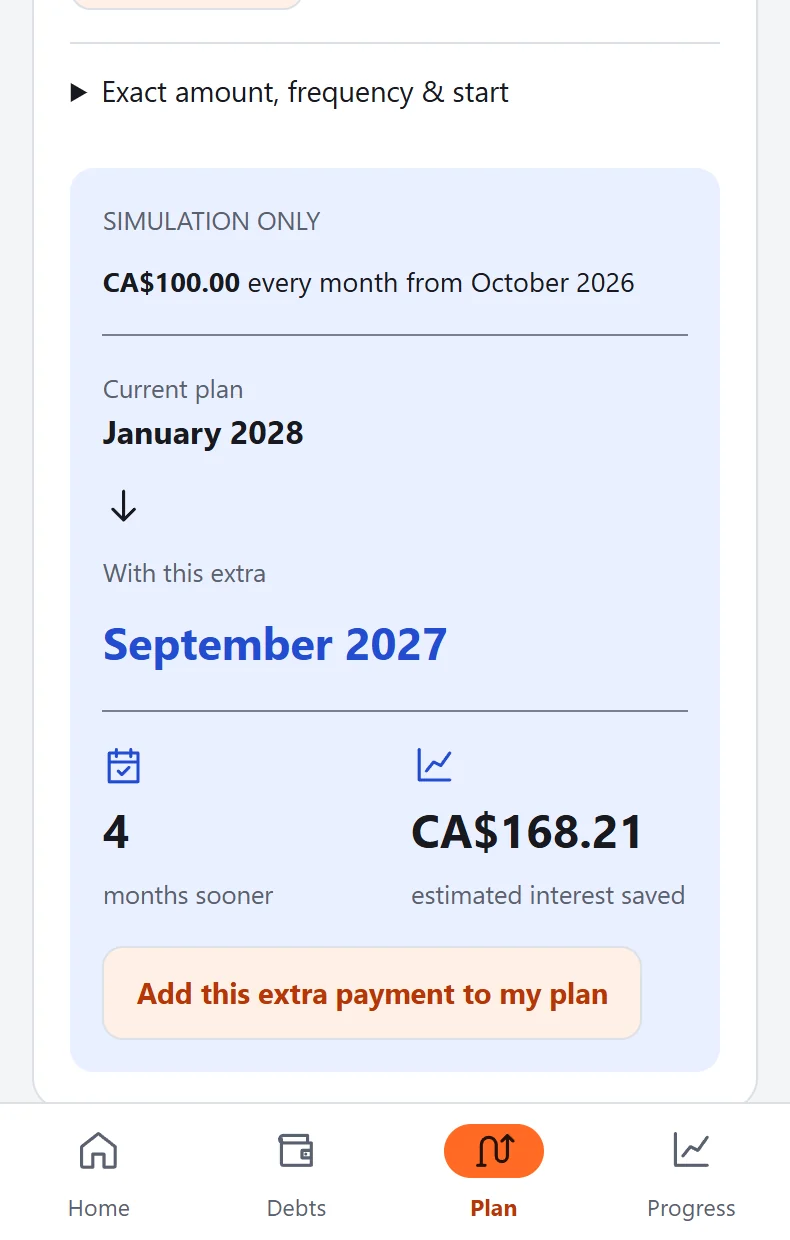
Choose a total monthly debt budget, compare the two strategies and inspect the forecast. You can preview an additional CA$100 without committing it to the plan.
4. Record a payment, then check the balance
A payment record is a note that you paid; it does not send money or automatically reduce the balance. Update the balance from a fresh statement using check-in.
5. Build a routine that fits
Weekly reviews, payday dates and optional local reminders help organize your next visit. Extra savings and personal milestones remain under your control.
6. Keep a copy and adapt
Export a JSON backup when you choose. Restore only a file you trust. During a difficult month, revisit balances and budget and pause optional review reminders.