
Less guesswork. A clearer way forward.
Bring your debts into one place. Explore a repayment plan, see what an extra payment could change, and keep track of the progress you actually record.
Available on Google Play. Installation depends on your country, account and device compatibility.
- No account required
- Your plan on your device
- Your language. Your currency.
From scattered balances to a plan
Start with real numbers
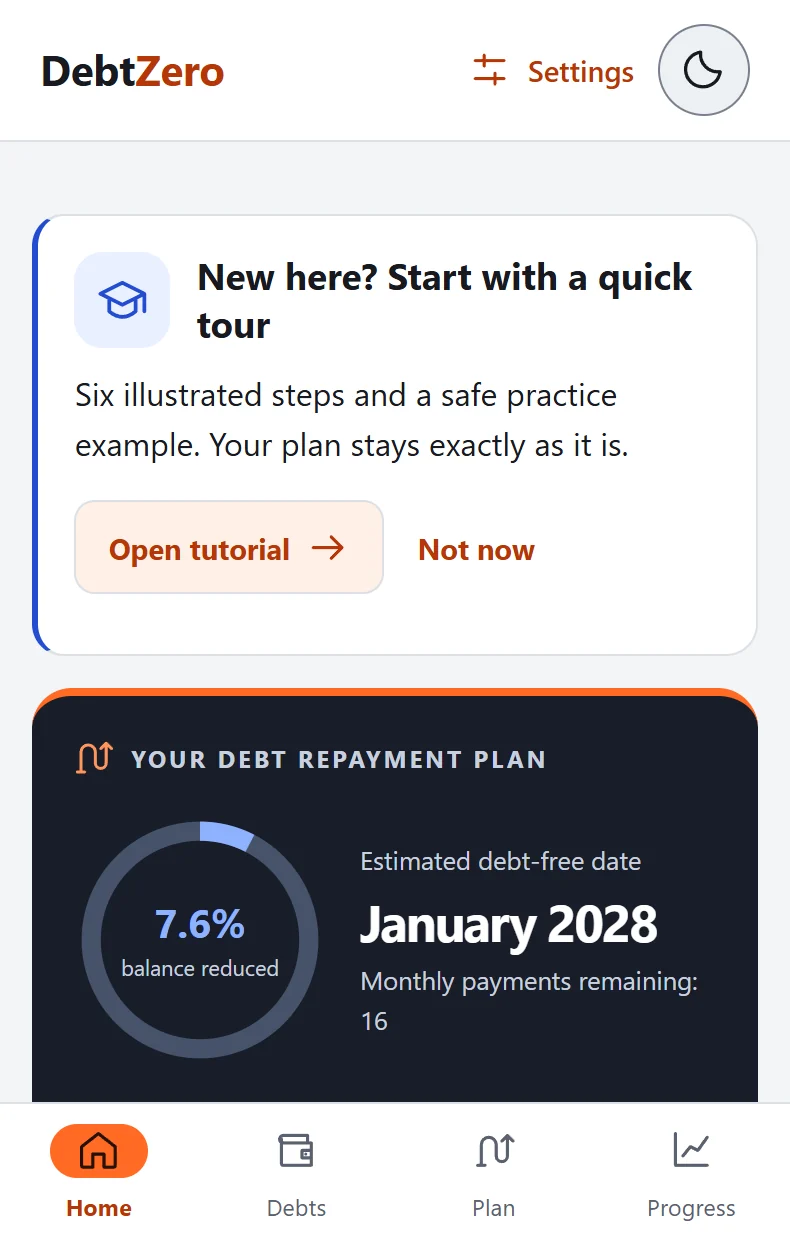
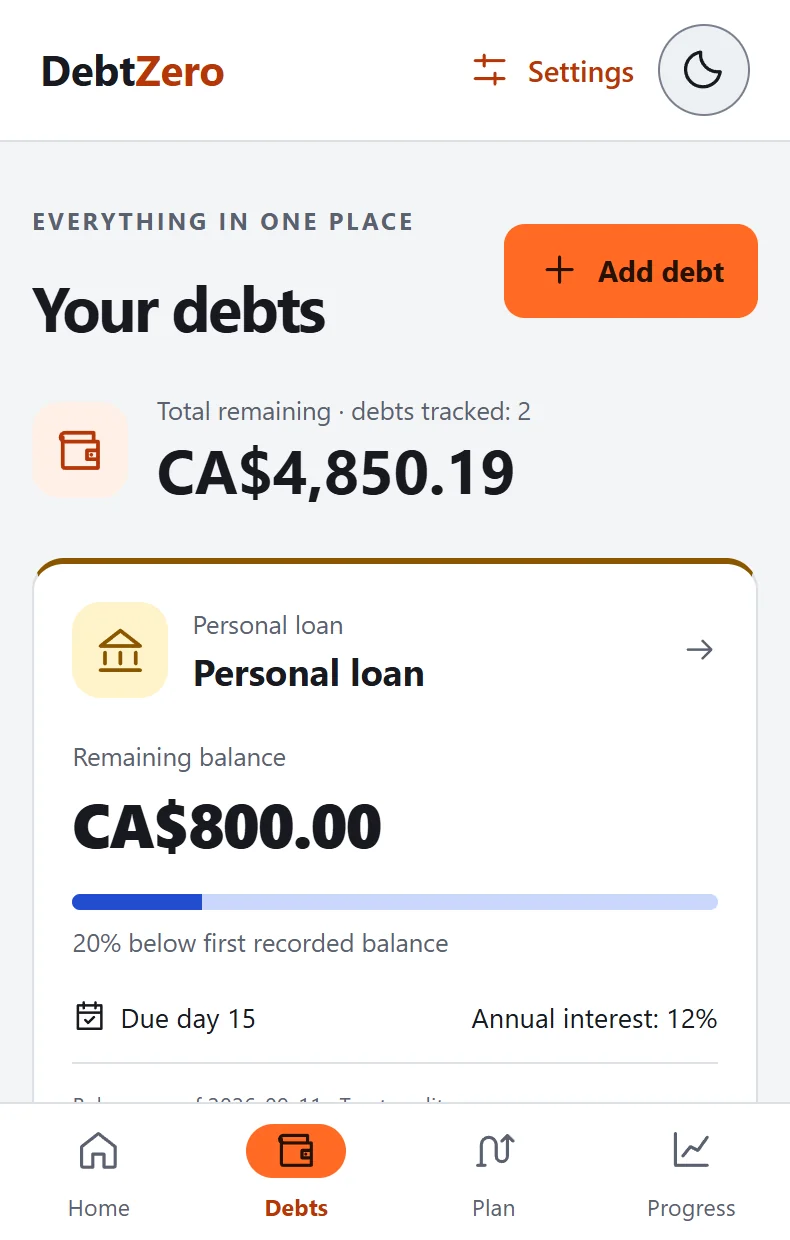
Add balances, interest rates and payment terms from your statements. Choose one currency for your plan.
Find a workable plan
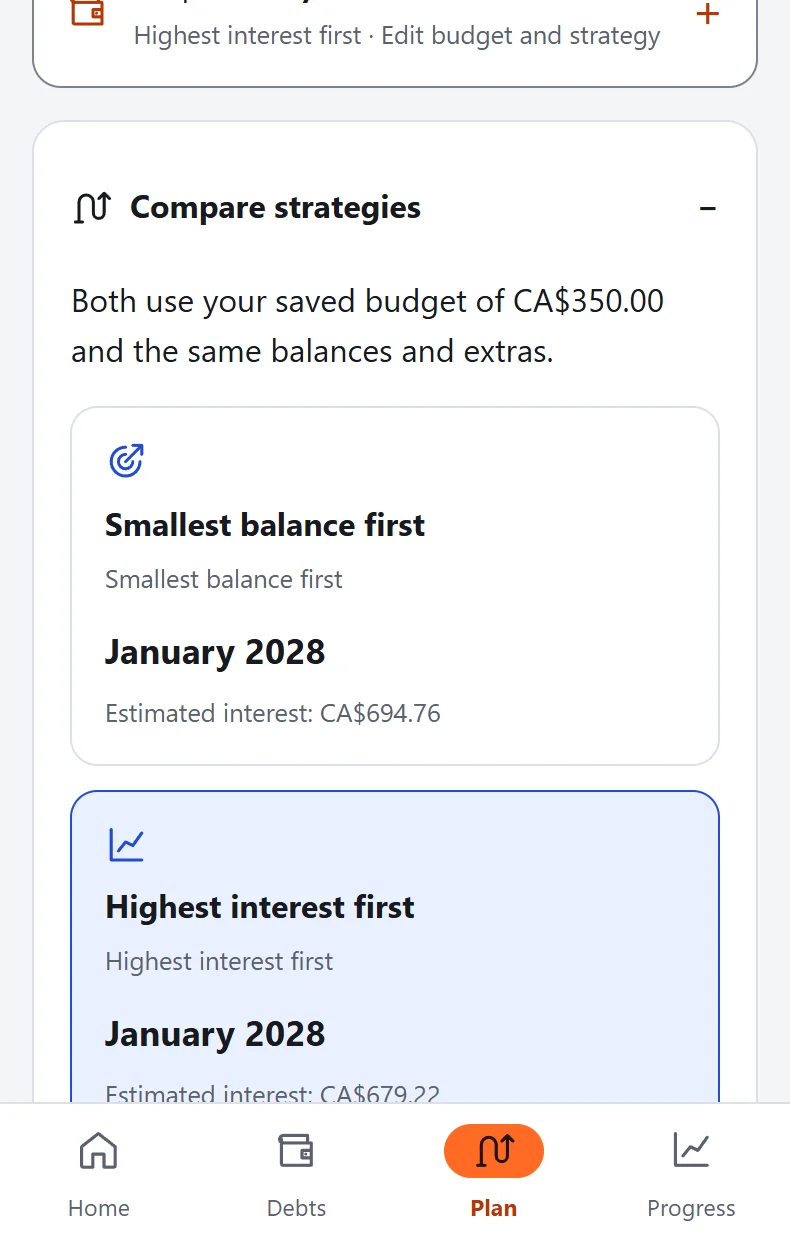
Set a monthly budget and compare highest-interest-first with smallest-balance-first. Preview extra payments before saving.
Return with fresh information
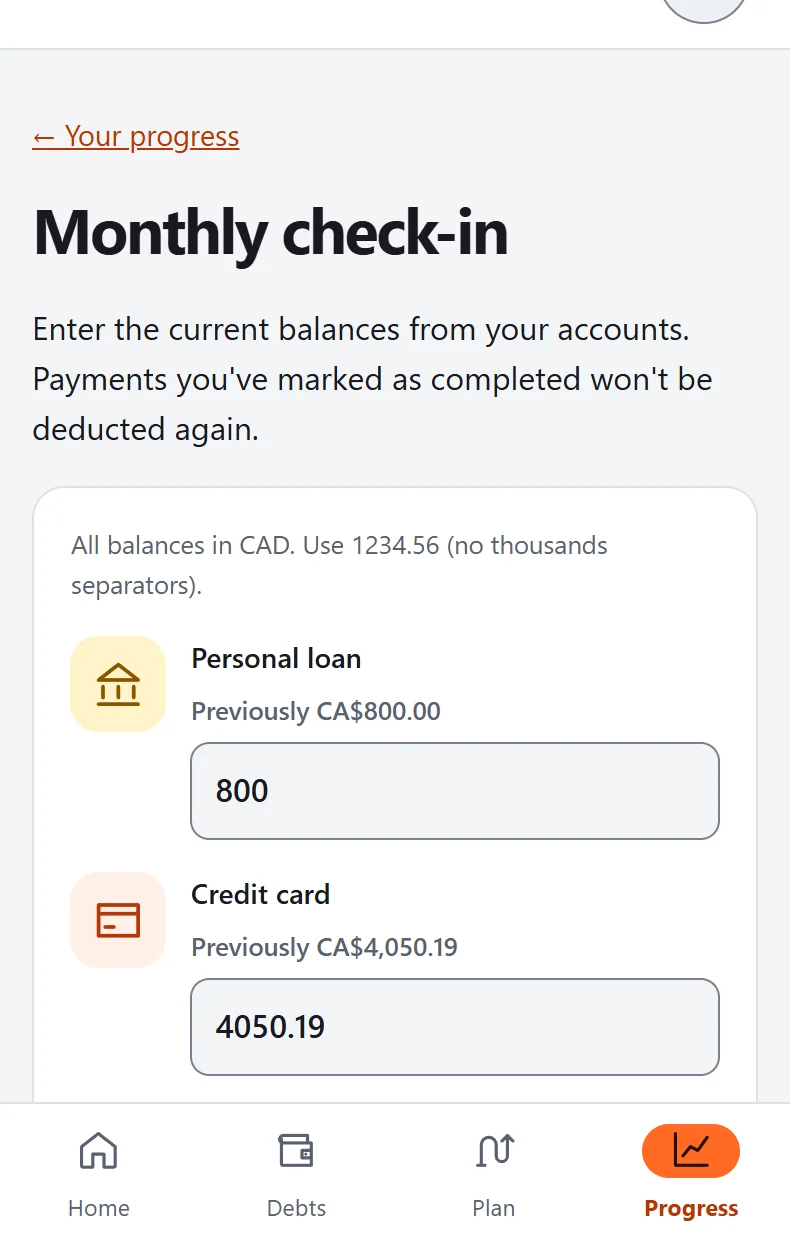
Record payments, update balances separately and use a short weekly review to keep your plan current.
Know what changed. Choose what comes next.
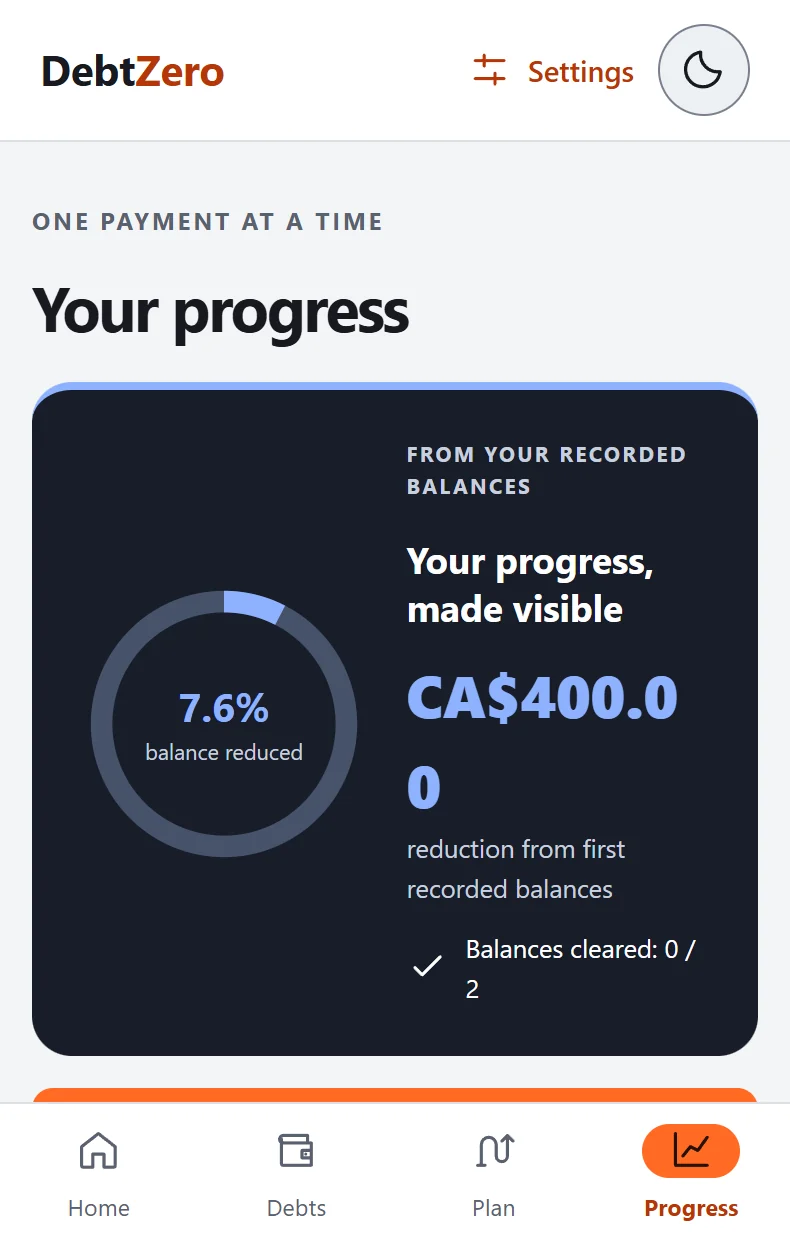
A forecast is useful when you can understand it. DebtZero keeps your recorded balances, payment history and possible future scenarios distinct.
- Compare repayment strategies with the same starting numbers.
- See the difference after a balance update.
- Adjust your monthly budget when circumstances change.
Small tools. A clearer picture.
Compare two approaches
Explore avalanche and snowball strategies, including estimated interest and payoff timing.
Try an extra payment
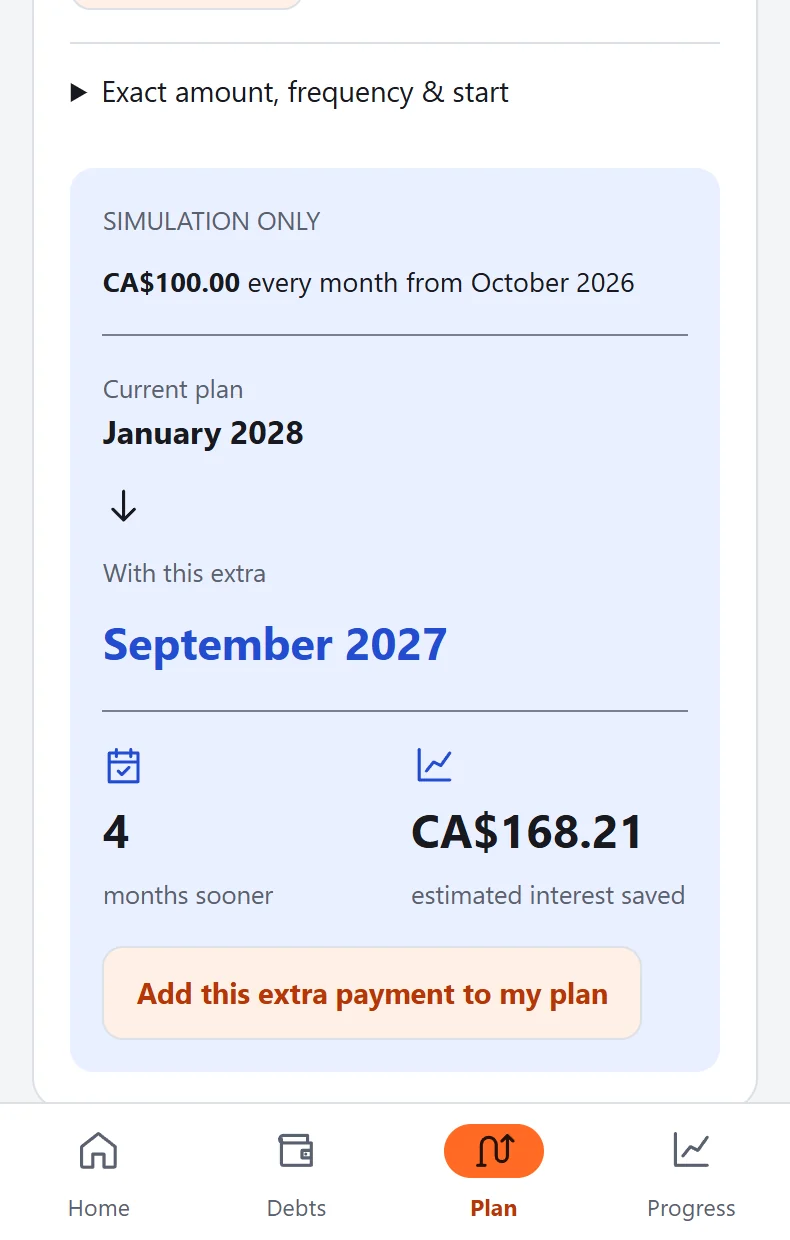
Preview regular or one-off extra payments. A preview does not move money or change your saved plan.
Make room for a weekly review
Check upcoming dates, your budget and whether balances need an update.
Plan around payday
See debts due before the next payday. The payoff engine remains monthly.
Recognize recorded progress
Set a personal reason, track extra amounts set aside and view balance-based milestones.
Keep control of your data
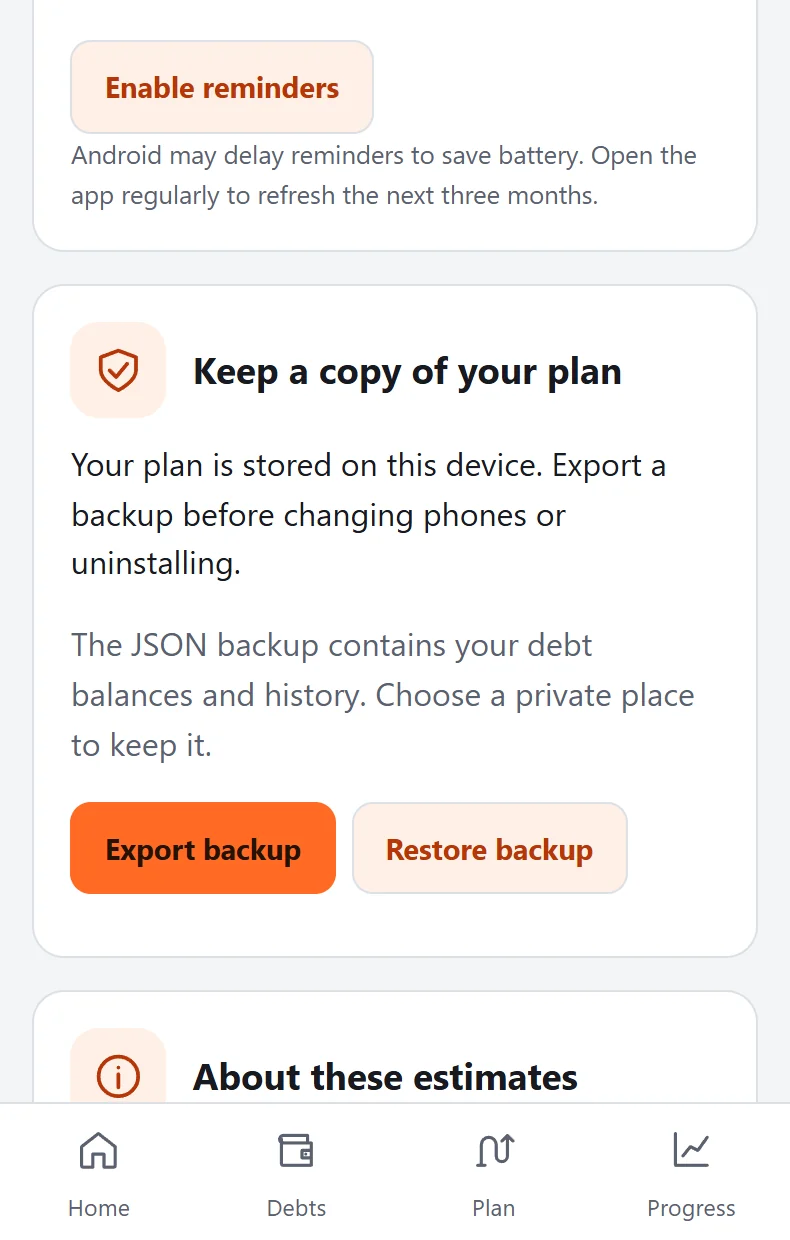
Use a guided tutorial, local reminders, light and dark themes, JSON export and restore.
Forecasts based on your own inputs
View on Google PlaySee your plan take shape
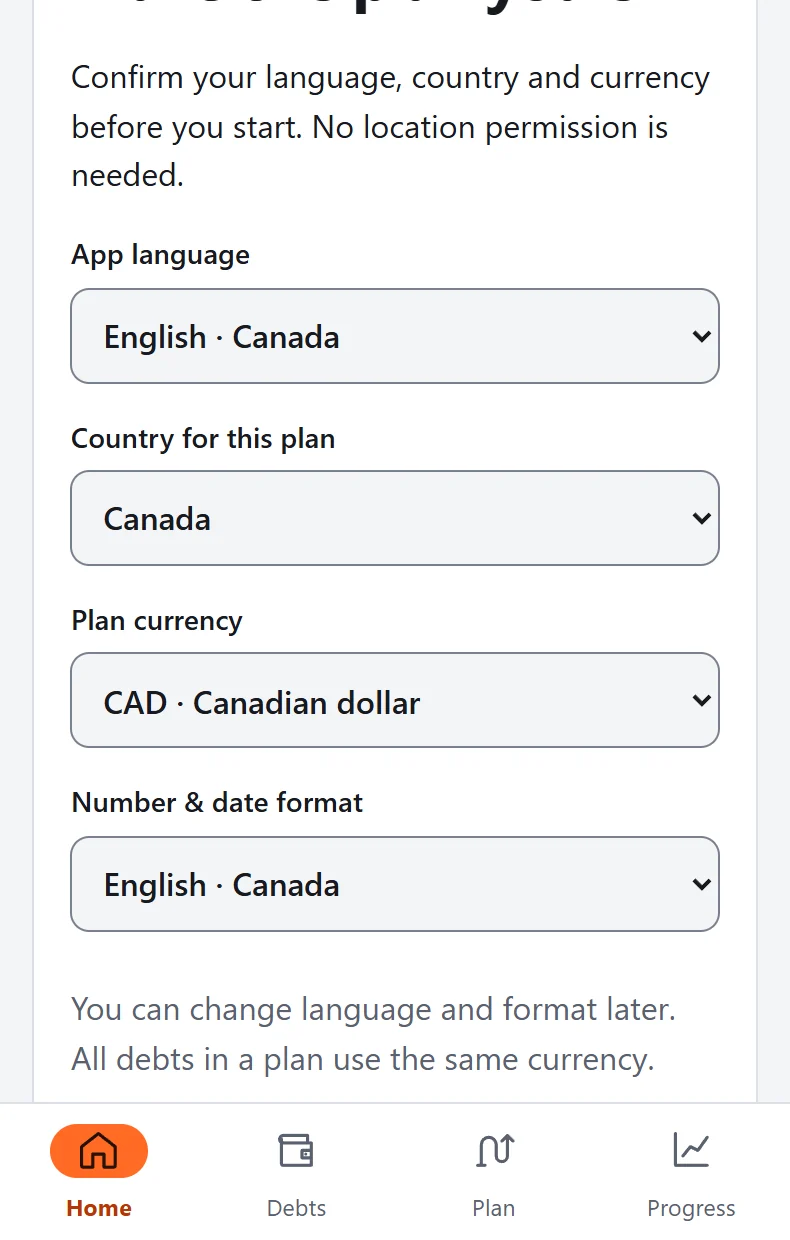
Real DebtZero interface components rendered in a browser with example data. These are not photographs or captures from an Android device. Forecasts illustrate one example, not an expected result.
Before you get started
Can I install DebtZero now?
DebtZero has been published on Google Play since 4 October 2026. The link points to com.albertlab.debtzero. Google Play shows availability for your account, country and device.
Does it connect to my bank or make payments?
No. You enter the information manually. Recording a payment does not make a transfer and does not automatically reduce the saved balance.
Is the payoff date guaranteed?
No. It is an estimate based on entered balances, a fixed annual rate and monthly repayments. New spending, fees, daily interest or changing rates can produce different results.
Which languages and currencies are supported?
English for the US, UK, Australia and Canada; German; Polish; and Canadian French. Plans support USD, EUR, GBP, AUD, CAD or PLN, with one currency per plan and no conversion.
Can I use it in another country?
Yes, the app offers an “Another country” setting and manual language and currency choices. It does not support every currency or automatically interpret local lending rules.
Make the next decision with more clarity
Six practical guides to setting up a plan, understanding estimates and returning when life changes.
How do you turn several debts into one clear plan?
Gather the right numbers, choose one currency and separate what you know from what needs checking before trusting a forecast.
Read the guide ↗Avalanche or snowball: which comparison is useful?
Understand highest-interest-first and smallest-balance-first, compare them with the same budget and recognize debts that need separate attention.
Read the guide ↗How much can you realistically put towards repayments?
Separate essential costs, irregular expenses and repayment money, then connect your monthly plan with your actual payday rhythm.
Read the guide ↗You do not need to solve it all today.
Start with what you know. Build a plan you can come back to.
Available on Google Play. Installation depends on your country, account and device compatibility.